Learn more,

Learn more,

in less time

in less time

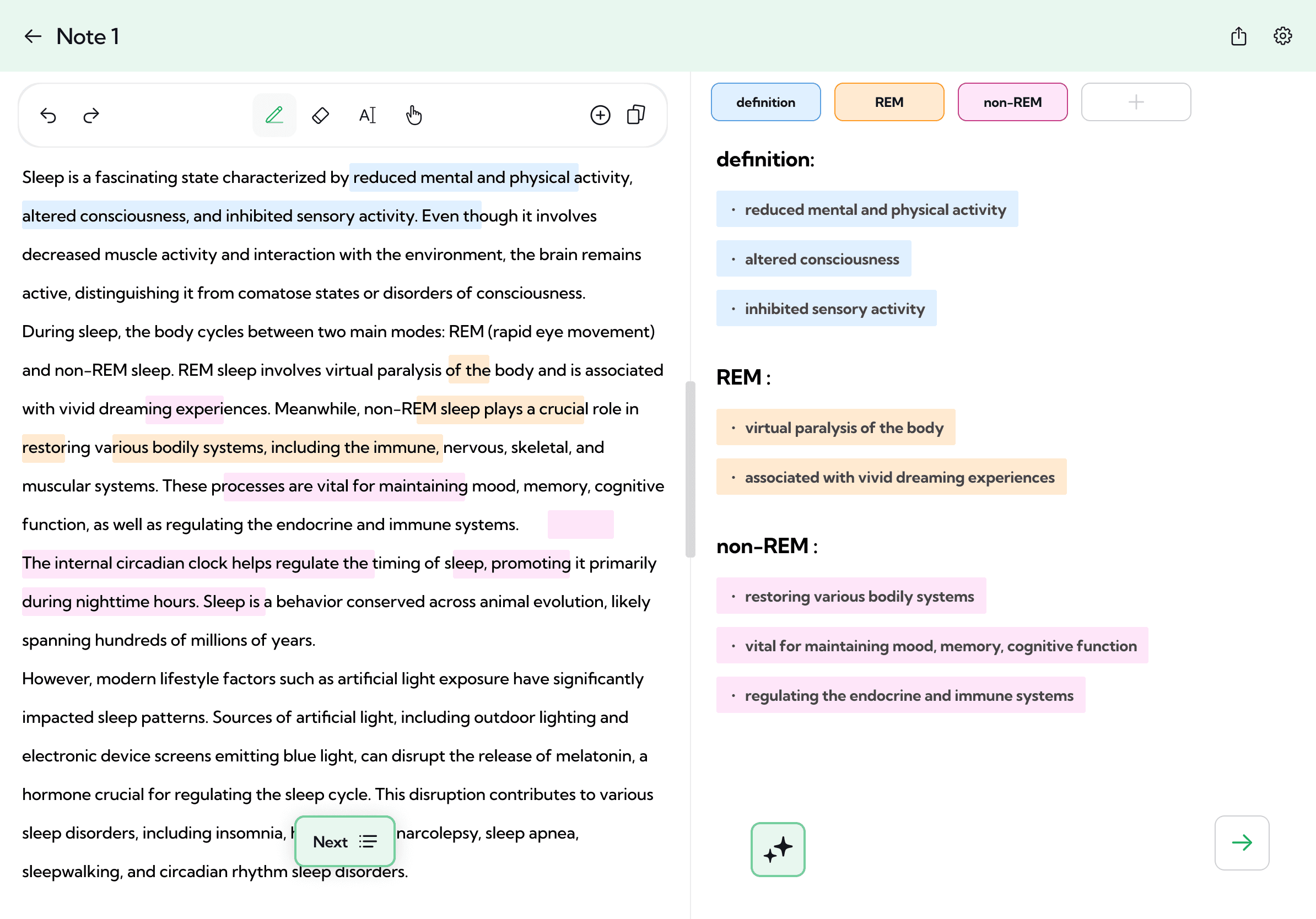
Upload PDFs, photos, texts, websites and more, and get flashcards, quizzes and summaries in seconds.

Save time

Understand better

Learn more

How does Bulletpoint work?

How does Bulletpoint work?

1. Step

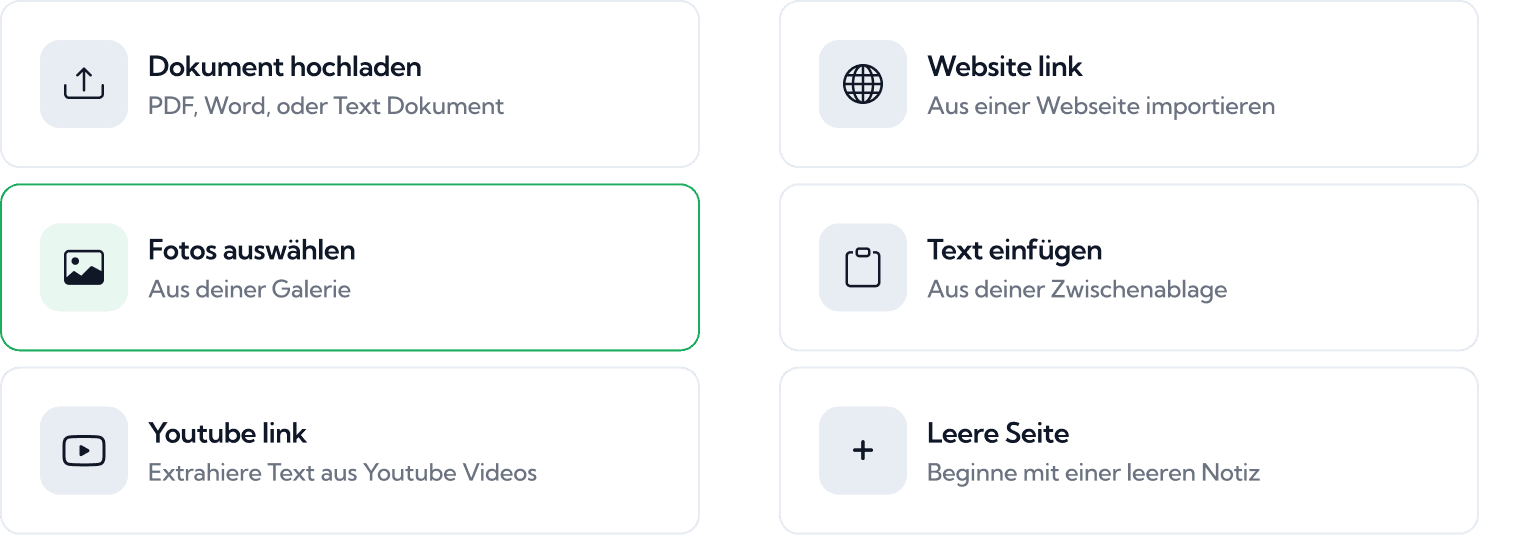
Upload your learning material

Whether it's a worksheet, a photo of the whiteboard, lecture slides, a script or a YouTube explainer: upload what you want to learn, or paste your text. No material at hand? Just describe your topic and we'll create the content for you.
2. Step

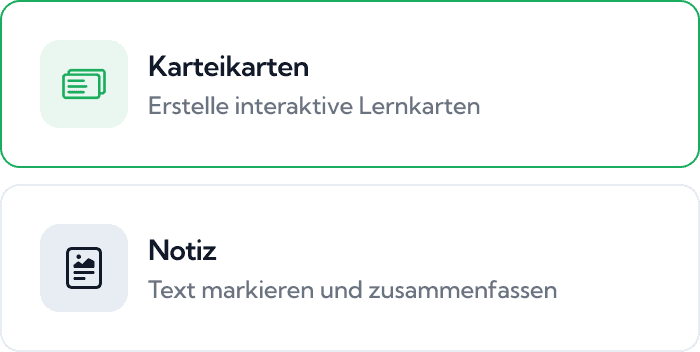
Choose how you want to learn

Whether it's vocabulary, technical terms or connections: choose between flashcards, bullet points, quizzes and exam questions, and we'll create ready-to-use study content for you in seconds.

2. Step

Choose how you want to learn

Whether it's vocabulary, technical terms or connections: choose between flashcards, bullet points, quizzes and exam questions, and we'll create ready-to-use study content for you in seconds.

3. Step

Repeat until it sticks

Learn with spaced repetition. Content you already know shows up less often, difficult content more often. Add your exam date and you'll know exactly what to study every day.

FAQs

What is Bulletpoint?

How do I create flashcards from my materials?

How do I turn my notes into flashcards?

Can I summarize without AI?

How do I study from a website?

Bulletpoint, always with you.

Scan the QR code with your phone camera and keep learning anywhere. Free on the App Store and Google Play.

Open in the App Store →

Bulletpoint, always with you.

Scan the QR code with your phone camera and keep learning anywhere. Free on the App Store and Google Play.

Open in the App Store →

© Bulletpoint 2026